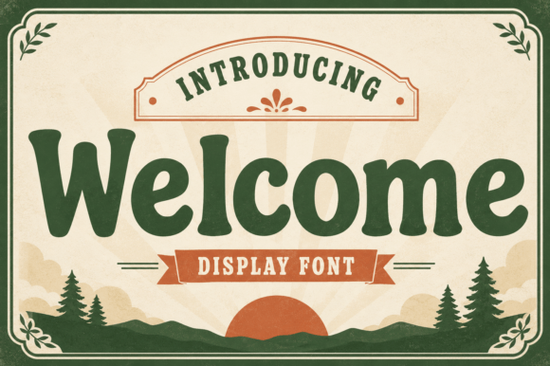
If you are looking for a typeface that balances strong readability with a warm, nostalgic feel, Welcome Font gives you exactly that without relying on overly delicate details or harsh geometric edges. It sits comfortably between retro slab serifs and friendly modern display typography, which means it prints cleanly on cotton tees, reads clearly on storefront windows, and holds attention in digital banners. Designers and print-on-demand sellers often choose this style when they want a headline that feels approachable yet carries enough visual weight for small business packaging, children’s merchandise, or café signage. The rounded curves and consistent stroke width prevent eye strain, making it a practical choice for both screen and physical media.
How does this typeface handle real project layouts?
The strength of this lettering comes from its balanced counter space and slightly playful character shapes. When placed on muted backgrounds or textured paper mockups, it naturally pulls the eye without overwhelming the composition. Because the x-height is steady, you can scale it down for product tags or expand it for large format posters without losing legibility. If you need a cleaner geometric companion for secondary text, you might also explore Departure Board, while projects requiring heavier industrial contrast often pair well with Chunky Texture. Keep your line spacing slightly wider than standard body text, especially when placing the letters over busy photography or patterned backgrounds.
Crafters and hobbyists frequently ask whether the curves hold up on vinyl cutters and laser engravers. The soft terminals actually help with blade tracking, since sharp inner angles are minimized. Export your design at 300 DPI for direct printing, and always preview your layout at the exact final size before committing to a batch run. The font includes useful alternates that prevent awkward collisions in longer phrases, which saves time during kerning adjustments. For academic or institutional branding that needs a stricter grid, College Black provides a more rigid structure, while organic wellness or boutique packaging might benefit from the softer curves of Lemon Harvest.
What pairing strategies keep my design readable?
Display typefaces work best when supported by a quiet, neutral companion. Avoid matching this slab style with other heavily decorated fonts, as the competing visual noise will fatigue readers quickly. Instead, choose a lightweight sans serif or a straightforward serif for body copy, reservation lists, or ingredient labels. Let the headline breathe by leaving generous margins and avoiding center-aligned blocks that stretch too far. If your layout leans toward modern minimalism, Sunspell offers a crisp alternative for subheadings, allowing your main title to stand out without clutter. Test your final composition in grayscale first; if the contrast still reads clearly without color, your typography hierarchy is working correctly.
Are there setup and licensing steps I should follow?
Always verify the included license before sending designs to commercial vendors. Most marketplace downloads include OTF and TTF files, which install smoothly into macOS, Windows, and major vector editors. Install the files directly to your system fonts folder instead of opening them from temporary download directories, since some software will throw cache errors if the file path changes. When uploading to third-party print platforms, convert your text to outlines or embed the typeface to prevent substitution during automated processing. Save an editable master file alongside your flattened exports, and keep a separate folder for client versions to track revisions accurately. For technical embedding rules and commercial usage boundaries, you can review the official Welcome Font documentation provided by the creator.
Quick checklist before sending your design to production
- Install files to your main system folder to prevent software recognition errors.
- Test scaling at actual print size to verify readability on your target material.
- Pair with a neutral body font to maintain a clean visual hierarchy.
- Convert text to vectors before uploading to external print or cut services.
- Preview in black and white to confirm contrast works without relying on color.
- Save an editable master alongside flattened exports for future revisions.
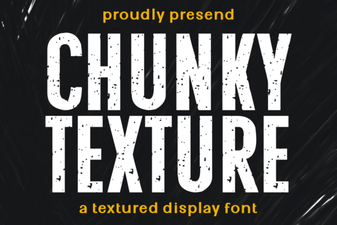 Chunky Fonts: Bold Text for Creative Designs
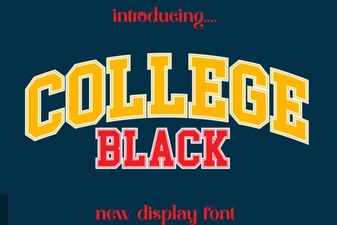 Sans Serif College Fonts for Designs
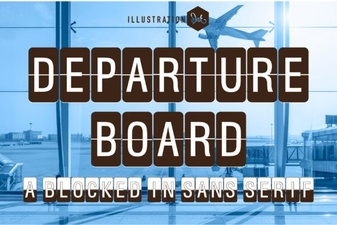 The Departure Board Font: Classic Travel Typefaces
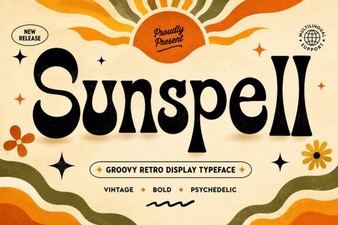 Sunspell Font: Design for Creative Projects
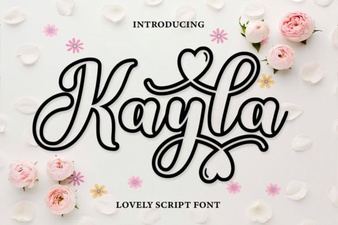 Kayla Outline: Elegant Font Designs & Project Ideas
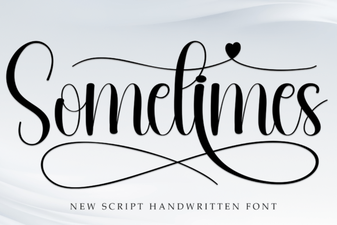 Sometimes Font: Creative Tips & Design Ideas