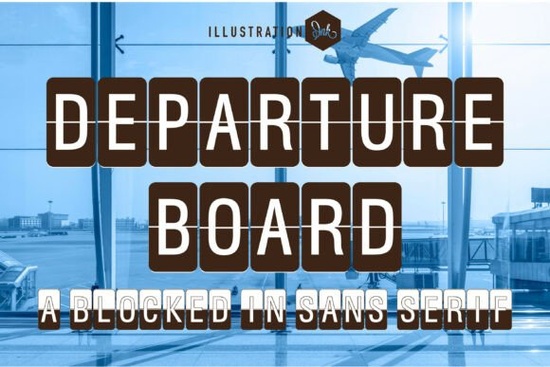
If you are working on a project that needs instant recognition and a clean, travel-inspired vibe, the Departure Board Font offers exactly that without relying on heavy textures or complicated effects. It places standard uppercase letters inside tall, rounded split-flap panels, giving your layouts the same visual structure you would see on vintage airport departure signs or old train station schedules. For print-on-demand sellers, independent designers, and small business owners, this means you get a highly legible display typeface that reads well on everything from apparel mockups to social media banners.
Why does this split-flap typeface work well for print-on-demand and digital projects?
The structure of a blocked in sans serif like this solves a common problem in digital design: how to keep text readable when scaling up or printing at larger sizes. Each letter sits inside its own capsule, separated by a horizontal midline. This physical break forces the eye to scan quickly while still recognizing the shape. When you are creating merchandise listings, vintage posters, or boutique packaging, that built-in grid system gives you consistent spacing without manual kerning adjustments. You also avoid the awkward overlap that often happens with decorative scripts or heavily textured alternatives. The clean baseline alignment keeps your headers sharp, whether you are exporting for a three hundred DPI tumbler wrap or a lightweight social media story.
How can you pair it with other display fonts without cluttering your layout?
Pairing display typefaces requires restraint, since both options will compete for visual attention. A good rule of thumb is to let the transit-style caps handle your primary headlines while you choose something lighter for subheadings or body copy. If you want a heavier, collegiate feel to balance the geometric structure, exploring a bold block style might complement the industrial vibe without overwhelming it. For softer, invitation-ready layouts, pairing it with a rounded handwritten alternative can create a nice contrast between structured and organic shapes. You can also experiment with worn or weathered alternatives when designing retro posters, since a weathered texture option adds subtle aging to clean vector shapes. When you need something that leans into outdoor adventure or athletic branding, a sporty type choice often works as a supporting accent. For dreamy or lifestyle photography overlays, a flowing script alternative keeps the mood relaxed, while a friendly, open sans serif ensures your smaller text stays approachable.
What kind of projects actually benefit from this retro transit style?
You will get the strongest results when the typography matches the theme of your product or campaign. This typeface naturally fits into travel branding, logistics graphics, coffee shop signage, and boutique luggage tags. If you run a print-on-demand store, try using it on minimalist tote bags, canvas prints, or sticker sheets that highlight destination names. Small business owners can place it on wayfinding posters, menu headers, or seasonal event flyers where clear hierarchy matters more than ornate details. Even digital creators use it effectively for video thumbnails and podcast cover art because the high-contrast blocks stand out on small mobile screens. The key is to keep supporting elements simple so the letterforms do the heavy lifting.
Which file types and formatting options should you check before downloading?
Before adding any specialty typeface to your toolkit, verify the file formats that match your daily workflow. Most professional designers prefer OTF or TTF files since they scale cleanly across Adobe Illustrator, Figma, and web design platforms. Check the commercial license carefully, especially if you plan to embed the font in customer templates or upload it to merchandise marketplaces. Look at the full character set before purchasing; a well-built display font usually includes standard punctuation, numbers, and accented letters for international use. Test the tracking and line height in your design software, as split-flap styles can feel slightly wider than traditional sans serifs. If the spacing feels too loose, tighten the letter spacing by a few percentage points to keep the grid tight and cohesive.
Quick checklist before adding it to your next design
- Open a blank canvas and type a full row of capital letters to check natural spacing.
- Reduce line height by five to ten percent so the horizontal breaks align across multiple words.
- Place a plain sans serif underneath as your subheader to create a clear visual hierarchy.
- Export a low-resolution PNG first to preview how the letter blocks read on mobile screens.
- Keep backgrounds light or use solid color fields so the midline breaks remain visible.
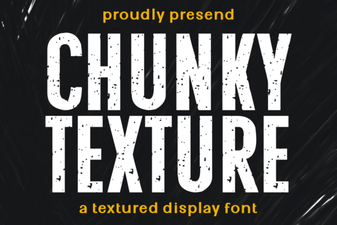 Chunky Fonts: Bold Text for Creative Designs
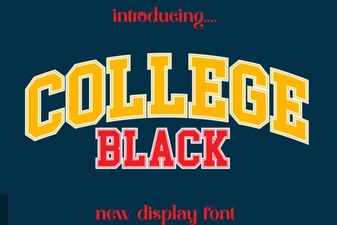 Sans Serif College Fonts for Designs
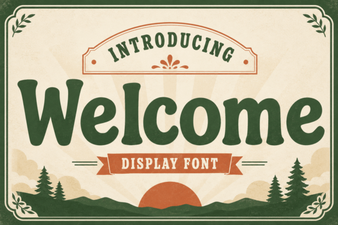 Welcome Fonts to Elevate Your Design Projects
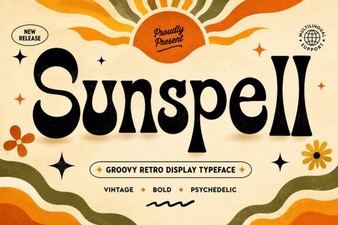 Sunspell Font: Design for Creative Projects
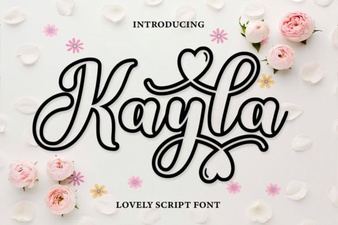 Kayla Outline: Elegant Font Designs & Project Ideas
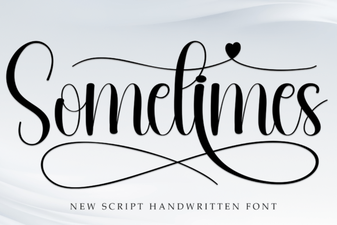 Sometimes Font: Creative Tips & Design Ideas